Swipe News App
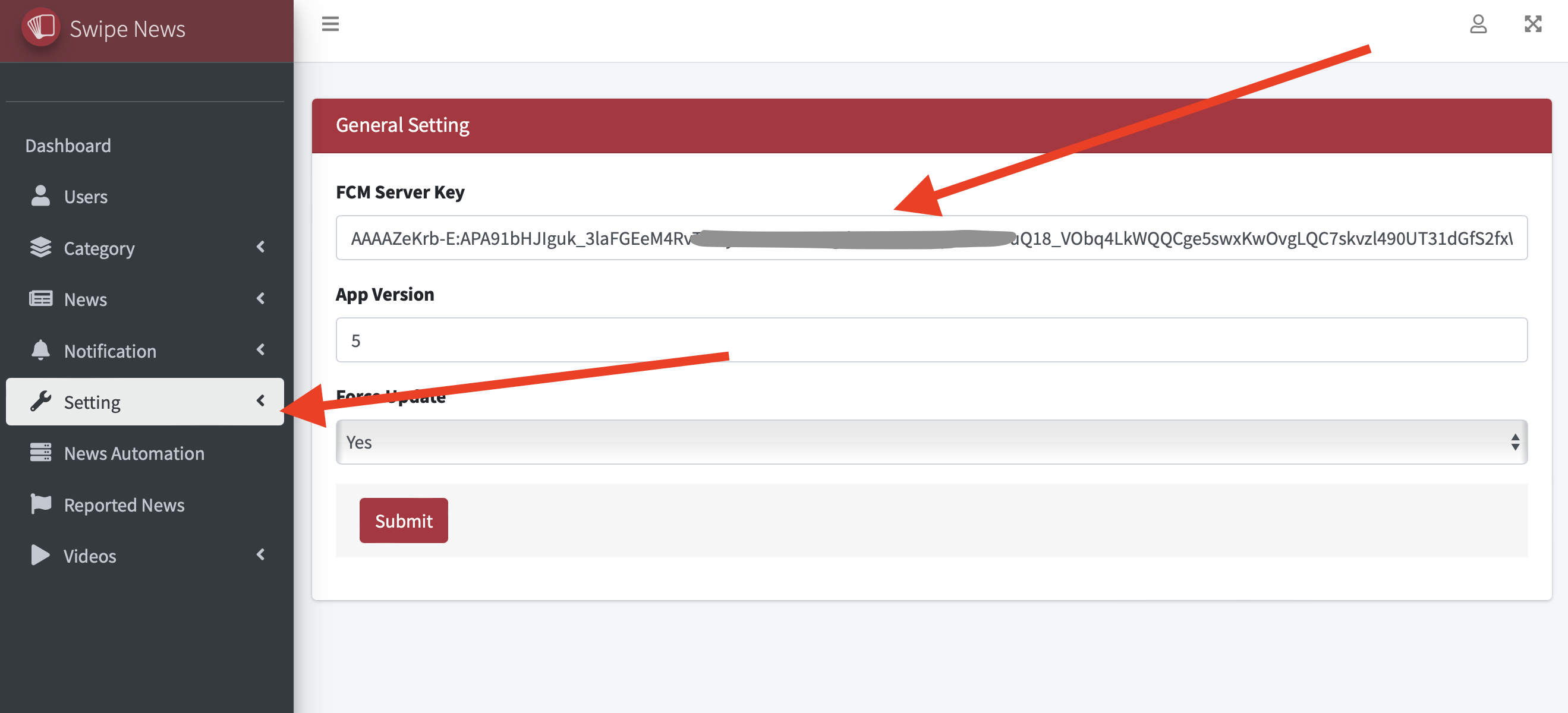
FCM Key and App Version Setup
FCM Key and App Version Setup
Step 1: Get Your FCM Key
-
Firebase Project Setup:
- Go to the Firebase Console.
- Create a new project or select an existing project.
-
Get the Server Key:
- In the Firebase Console, go to Project Settings > Cloud Messaging.
- Copy the Server key from the Cloud Messaging tab. This is your FCM key.
- Force update, force your users to update to the latest version of the app